The Architect's Grimoire
A Complete Technical Guide to Cube Walker
📁 File Architecture
Cube Walker is built with a modular JavaScript architecture. The codebase is split across multiple files for maintainability, with each file responsible for a specific domain.
JavaScript Files
Data Files
Module Load Order
Modules must be loaded in dependency order. The index.html loads them as follows:
🧩 Module Breakdown
units.js — Unit Definitions
Exports window.UnitModule with unit class definitions and factory functions.
| Export | Purpose |
|---|---|
UnitClasses |
Enum of class objects (WIZARD, ROGUE, TANK, HEALER) with ability flags: canWalkOnCubes, canPushCubes, canShootProjectiles, canMeleeAttack, canCreateCubes, canHealAllies |
UnitMeshTypes |
Visual appearance types: HEDGEY_WIZARD, MOUSE_WIZARD, ROGUE_PIG, RIZARD_ROGUE, BOARBARIAN, APE_TANK, MEDICAT |
createUnitState() |
Factory function to create unit entity objects with position, HP, navigation state, timers |
getUnitTeamColor() |
Returns hex color based on unit's class and team affiliation |
isOnBlueTeam() |
Team membership check helper |
ui.js — UI Components
Exports window.UIModule with Three.js-based UI elements that float above units.
| Category | Functions |
|---|---|
| Health Bars | createHealthBar(), createHealthBars(), updateHealthBars() |
| Tile Markers | createTileMarker(), createTileMarkers(), updateTileMarkers() |
| Move Counters | createMoveCounter(), createMoveCounters(), updateMoveCounters() |
| Route Preview | createRouteMarker(), ensureRouteMarkers(), updateRoutePreview(), clearRoutePreview() |
| Selection | createSelectionAura(), updateSelectionAura() |
| Destinations | updateDestinationMarker(), createMultiDestinationMarker() |
| Move Range | showMoveRangeOverlays(), updateMoveRangeOverlays(), clearMoveRangeOverlays() |
| Overlays | showLevelTransition(), showYourTurnOverlay(), showVictoryScreen() |
pure.js — Pure Utilities
Exports window.Pure with side-effect-free helper functions.
| Function | Purpose |
|---|---|
safeStringify(arg) |
JSON stringify with circular reference protection for debug logging |
easeInOutQuad(t) |
Smooth animation easing curve (0→1 input/output) |
tileKey(face, u, v) |
Create consistent string key for tile lookup: "+Z|0|1" |
parseTileKey(key) |
Parse tile key back to {face, u, v} object |
generateMpGameId() |
Generate unique multiplayer game ID starting with "cw" |
dom.js — DOM Manipulation
Exports window.DOM with multiplayer debug overlay functions.
| Function | Purpose |
|---|---|
setMpState(state) |
Update internal MP state from app.js (connection status, game ID, etc.) |
mpDebugLog(level, ...args) |
Log to debug overlay with timestamp and level (log/warn/error) |
setupMpDebugOverlay() |
Create the debug overlay DOM elements |
updateMpDebugOverlay() |
Refresh overlay with current connection status and logs |
contextmenu.js — Context Menus
Exports window.ContextMenuModule for unit interaction menus.
| Function | Purpose |
|---|---|
init() |
Create context menu DOM element |
show(x, y, options, context) |
Display menu at screen position with options array |
close() |
Hide the context menu |
setActionHandler(fn) |
Register callback for menu item selection |
isOpen() |
Check if menu is currently visible |
cosmetics.js — Decorative Elements
Exports window.CosmeticElements for visual-only scene decoration.
| Function | Purpose |
|---|---|
populate(cubeGroup, ...) |
Add grass, flowers, bushes to all cube faces |
clear(cubeGroup) |
Remove all cosmetic meshes (for level cleanup) |
createGrassClump() |
Create multi-blade grass cluster mesh |
createFlower() |
Create tiny flower with stem and petals |
createBush() |
Create clustered sphere bush mesh |
altcubes.js — Alternative Cube Meshes
Exports window.AltCubes for visual variety in building cubes.
| Function | Purpose |
|---|---|
shouldReplace() |
Random chance (50%) to replace cube with alt mesh |
getRandomType() |
Returns 'tree' or 'rock' randomly |
createTreeMesh() |
Create tree with trunk and foliage |
createRockMesh() |
Create rock boulder mesh |
createAltCube(face, u, v, ...) |
Create positioned alt cube for building system |
⚙️ app.js Core Systems
The main app.js file contains the game engine organized into major systems. Here's a map of the key sections:
System Map (by line ranges)
| System | Lines | Key Functions |
|---|---|---|
| Sound Effects | ~38-155 | SoundManager object with playShoot(), playMelee(), playFlip(), playVictory(), etc. |
| Level Config | ~157-400 | Constants, FACES definition, EDGE_MAP, unit creation from config |
| Navigation State | ~401-450 | Global navigation object (System A), debug flags, camera watchdog |
| Turn-Based Mode | ~466-680 | Step tracking, action tracking, turn switching, multi-select state |
| Multiplayer (GunDB) | ~475-650, 2569-3500 | initGunDB(), exportMultiplayerSnapshot(), applyMultiplayerSnapshot() |
| Level Complete Dialog | ~584-620, 1230-2000 | startLevelCompleteSequence(), dialog balloon system, gather animations |
| Character Control | ~667-850 | switchCharacter(), updateSwitchButtonState(), selection aura |
| Three.js Setup | ~921-990 | Scene, camera, renderer, cubeGroup initialization |
| Init & Loading | ~2185-2250 | init() - loads levels.json, textures, creates scene, starts animate loop |
| Fullscreen/Landscape | ~2259-2425 | setupFullscreen(), setupLandscapeMode() |
| Projectile System | ~3717-4185 | createProjectile(), updateProjectiles(), damage dealing |
| Movement Range BFS | ~4187-4400 | computeReachableTiles(), BFS pathfinding within movement limit |
| Item System | ~4509-4800 | createRandomItems(), updateItems(), coin/book/potion collection |
| Merchant System | ~4934-5630 | createMerchant(), updateMerchant(), dialog UI, NAI merchant |
| Unit Updates | ~5630-6200 | updateUnit() - AI navigation, edge handling (System B) |
| Controlled Unit | ~6195-6500 | updatePlayerControlledUnit() - hop animation, System A navigation |
| Melee/Push Actions | ~6900-7000 | performMeleeAttack(), pushCube(), slash effects |
| Mesh Updates | ~6998-7070 | updateUnitMesh() - position, rotation, bobbing, hop arc |
| Keyboard Movement | ~7070-7200 | handleKeyboardMovement() - WASD/arrow key input |
| Tile Click Handling | ~7200-8000 | handleTileClick() - raycasting, action dispatch, pathfinding |
| Multi-Select System | ~7985-8430 | startMultiUnitNavigation(), pumpMultiOrders(), order dispatcher |
| Camera System | ~8435-8600 | updateCamera() - smooth follow, cube-face awareness |
| Game Loop | ~8683-8820 | animate() - main loop, update ordering, render call |
| Input Setup | ~8820-9150 | Keyboard, touch, cube rotation, pinch zoom handlers |
| Unit Footer | ~9150-9300 | createUnitFooter(), updateUnitFooterHP() |
| CPU Turn AI | ~9400-9900 | executeSingleCPUCharacterTurn(), AI action selection |
🎲 The Cube World
Cube Walker takes place on a magical cube floating in space. Units walk on all six faces of the cube, with gravity always pulling them toward the cube's center. The cube's size varies by level, from 2×2 tiles per face (Level 0) up to 7×7 tiles (Level 5+).
Face Definitions
The cube has six faces, each defined by a normal vector and local UV coordinate axes:
Tile Coordinate System
Each face has a grid of tiles. For a cube of size N:
- MIN_TILE_COORD = -floor((N-1)/2)
- MAX_TILE_COORD = ceil((N-1)/2)
- For N=3: coords are -1, 0, 1
- For N=5: coords are -2, -1, 0, 1, 2
Edge Transitions
When a unit walks off an edge, the EDGE_MAP defines which face they transition to and how their UV coordinates are remapped. This is one of the trickiest parts of the codebase!
Edge transitions involve coordinate remapping that can be confusing. The simulateEdgeCrossing() function handles this, but bugs in the +Y/-Y face transitions have caused units to teleport to wrong positions.
🧭 The Two Navigation Systems
Cube Walker has TWO separate navigation systems. Understanding when each is used is critical for avoiding bugs.
Mixing System A and System B fields causes units to jitter, freeze, or teleport. Always use the correct system for each context!
System A: Global Navigation (Player-Controlled Unit)
Used for: The single currently-controlled unit when moving via click or keyboard.
State object: Global navigation object
Stepped by: updatePlayerControlledUnit()
System B: Per-Entity Navigation (AI & Multi-Select)
Used for: AI units, and when multi-select commands multiple units.
State location: Per-entity fields on the entity object
Stepped by: updateUnit() per-entity path follower
Per-Entity Navigation] C -->|No, single unit| E[Use System A
Global navigation object] C -->|Yes, multiple units| D E --> F[updatePlayerControlledUnit] D --> G[updateUnit per-entity path] style E fill:#3399ff,color:#fff style D fill:#cc3333,color:#fff
📁 app.js Lines 401-420 — Global navigation object
📁 app.js Lines 5761-6195 — updateUnit() function (System B)
📁 app.js Lines 6195-6500 — updatePlayerControlledUnit() (System A)
🔄 The Game Loop
The animate() function runs every frame and orchestrates all game updates.
updateUnit() per entity"] --> E E["2.5) Check multiplayer replay"] --> F F["3) Update projectiles, items, merchants"] --> G G["4) Update UI: markers, health bars, overlays"] --> H H["5) Update camera position"] --> I I["6) Render scene"] style D fill:#ff9966,stroke:#333
Key Update Functions Called Each Frame
handleKeyboardMovement(deltaTime)— Process WASD/arrow inputpumpMultiOrders(deltaTime)— Re-issue stuck multi-select ordersupdateUnit(entity, key, dt)— Per-entity AI and navigationupdatePlayerControlledUnit(entity, key, dt)— Controlled unit hoppingupdateProjectiles(deltaTime)— Move projectiles, check collisionsupdateItems(deltaTime)— Animate and check item pickupupdateMerchant(deltaTime)— Merchant movement and dialog triggersupdateHealthBars()— Position health bars above unitsupdateTileMarkers()— Update pulsing tile indicatorsupdateMoveCounters()— Show remaining movement in turn-basedupdateRoutePreview()— Show path preview on hoverupdateCamera(deltaTime)— Smooth camera follow
⚔️ Characters & Classes
Every unit in Cube Walker belongs to one of four classes that define their abilities. The mesh type determines their visual appearance, but gameplay is driven by class.
The Four Classes
| Ability | 🧙 Wizard | 🗡️ Rogue | 🛡️ Tank | 💚 Healer |
|---|---|---|---|---|
| Walk on Cubes | ✗ | ✓ | ✗ | ✗ |
| Push Cubes | ✗ | ✗ | ✓ | ✗ |
| Shoot Projectiles | ✓ (beam) | ✓ (arrow) | ✗ | ✗ |
| Melee Attack | ✗ | ✗ | ✓ | ✗ |
| Create Cubes | ✓ (double-click) | ✗ | ✗ | ✗ |
| Heal Allies | ✗ | ✗ | ✗ | ✓ |
| Movement Range | 7 tiles | 9 tiles | 12 tiles | 12 tiles |
Meet the Characters
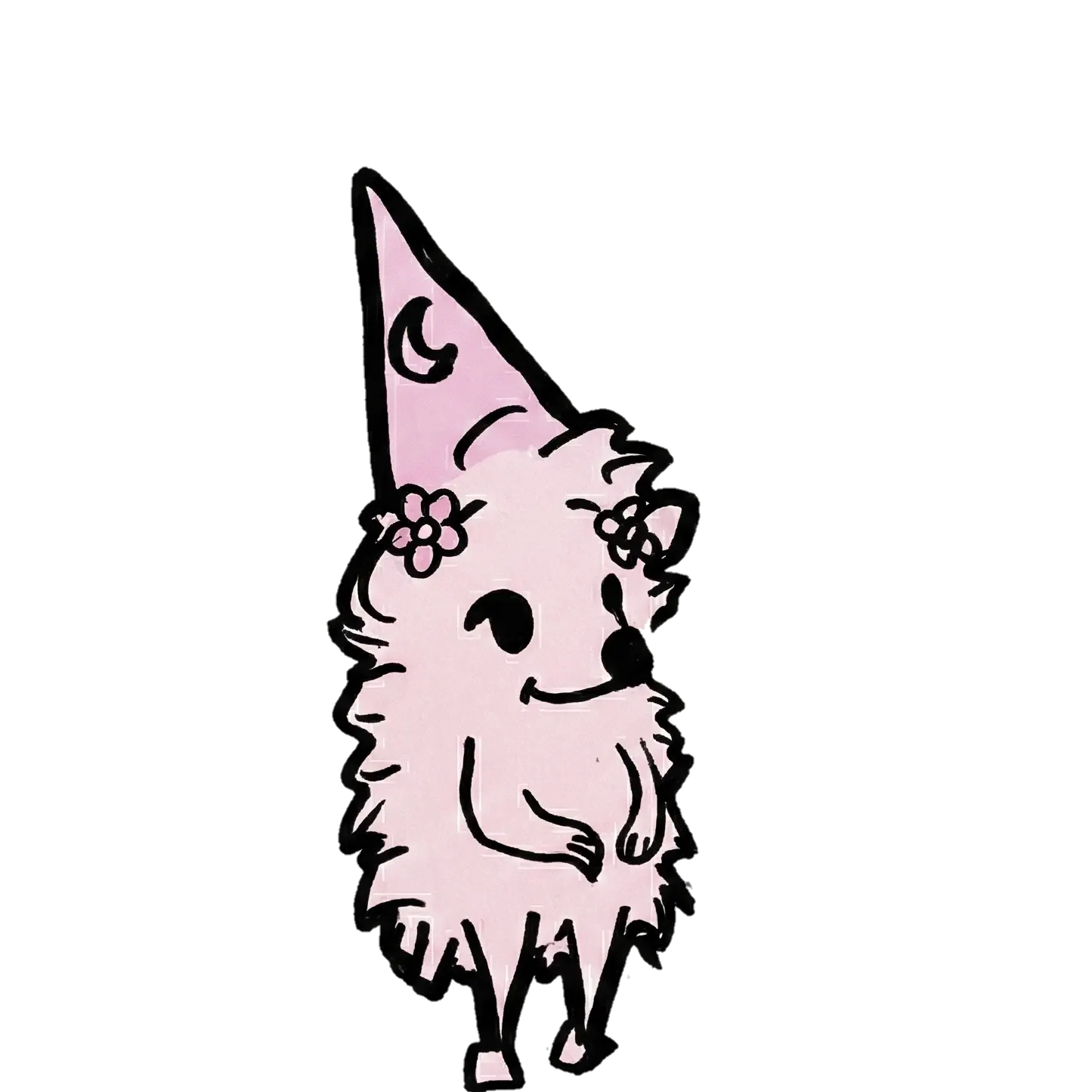
hedgeyWizard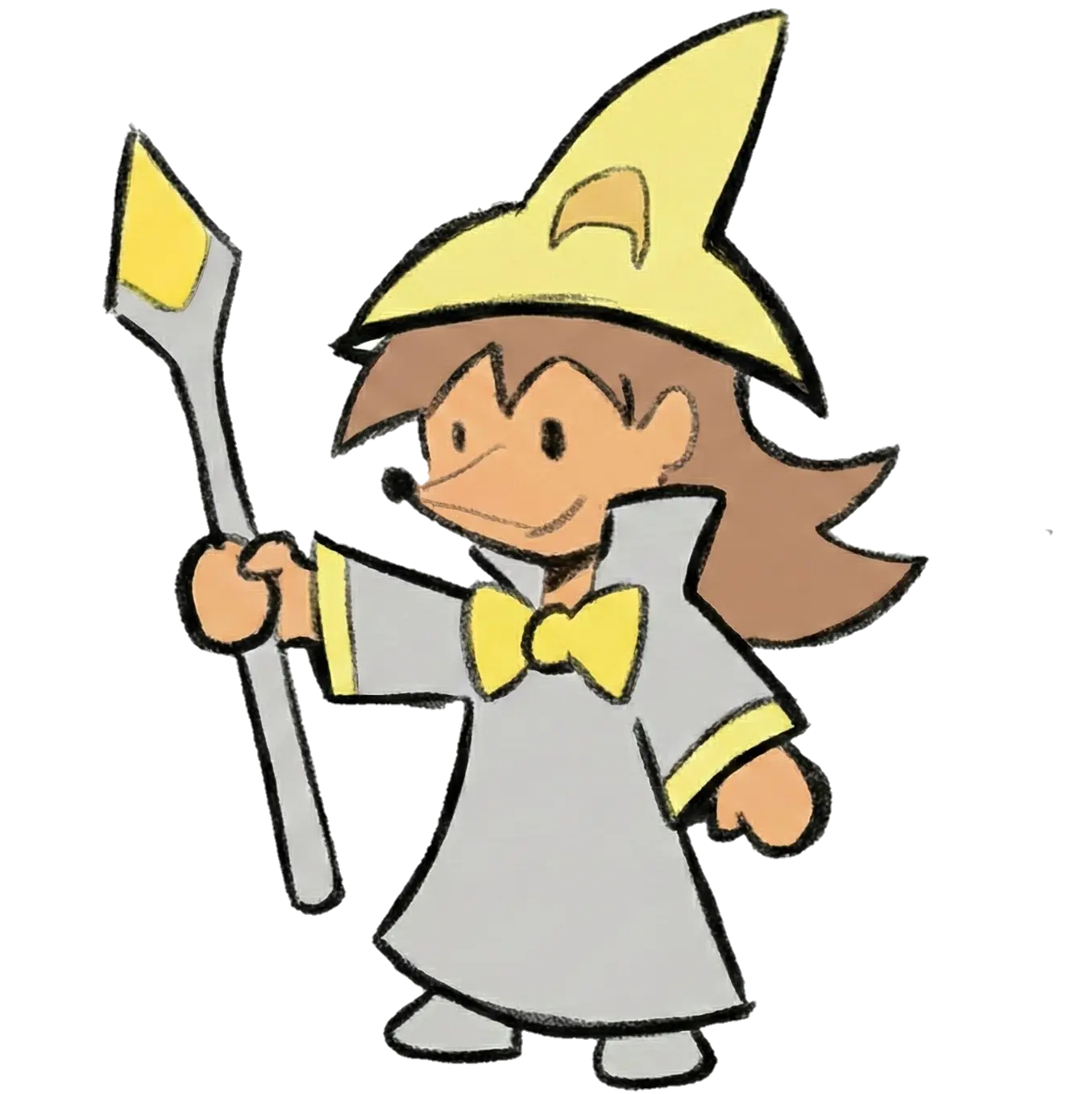
mouseWizard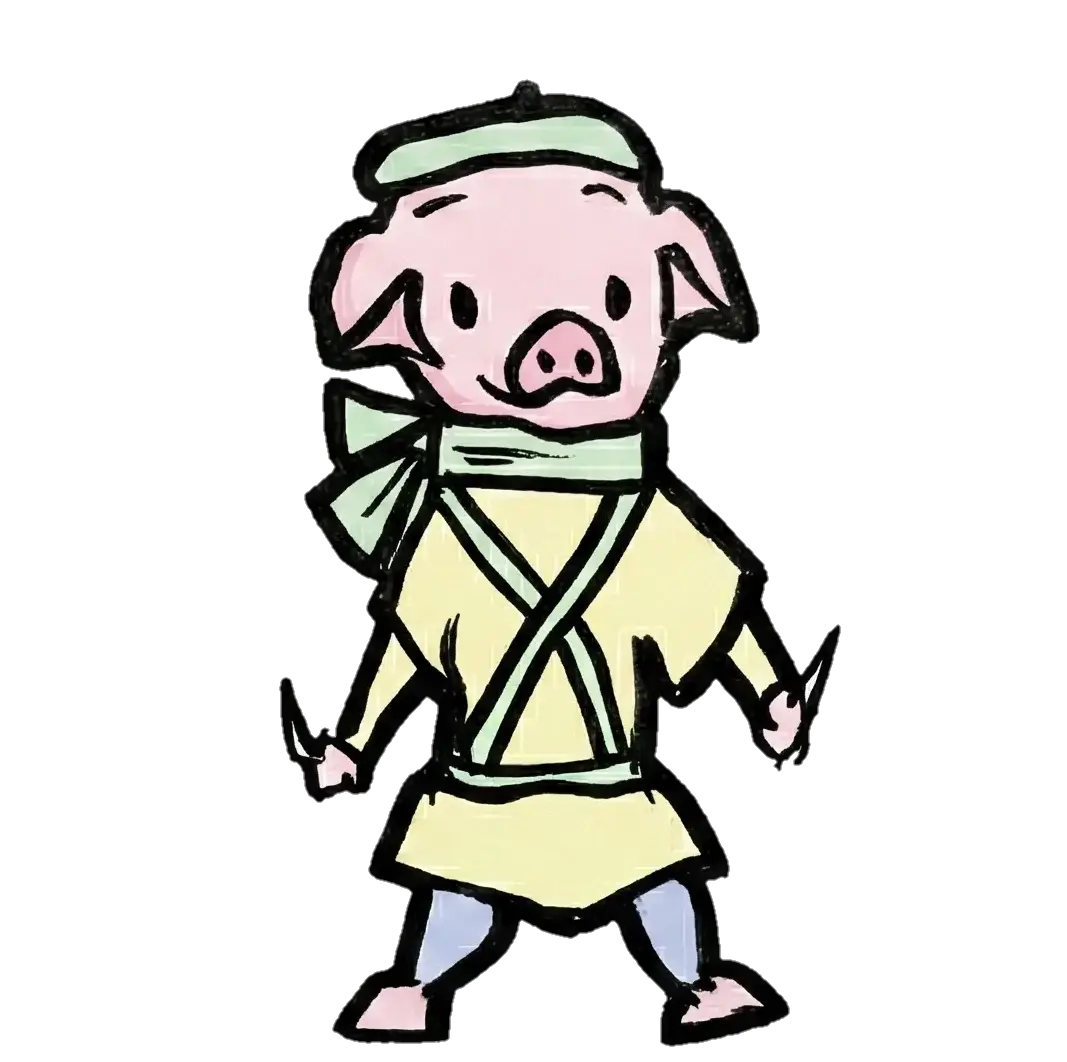
roguePig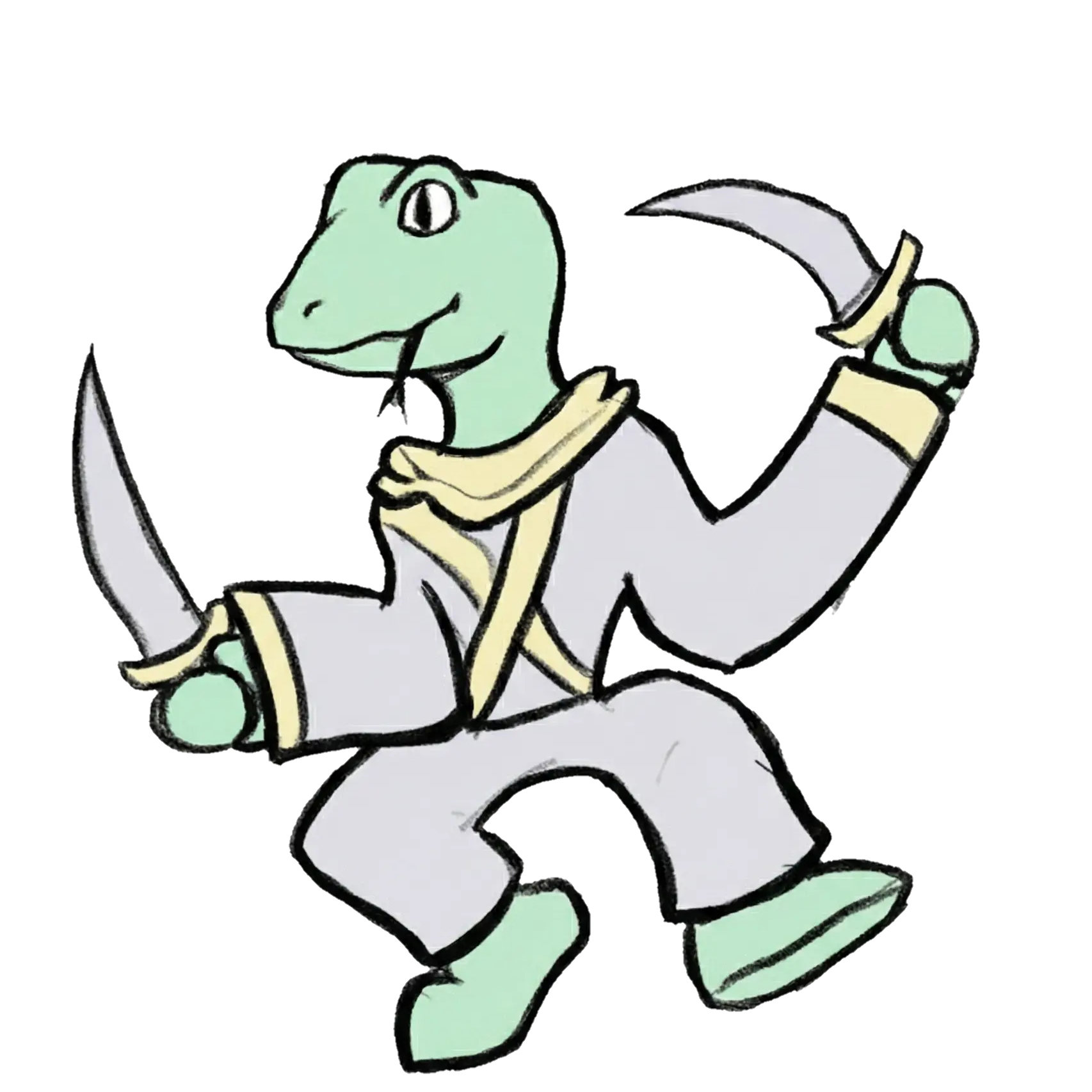
rizardRogue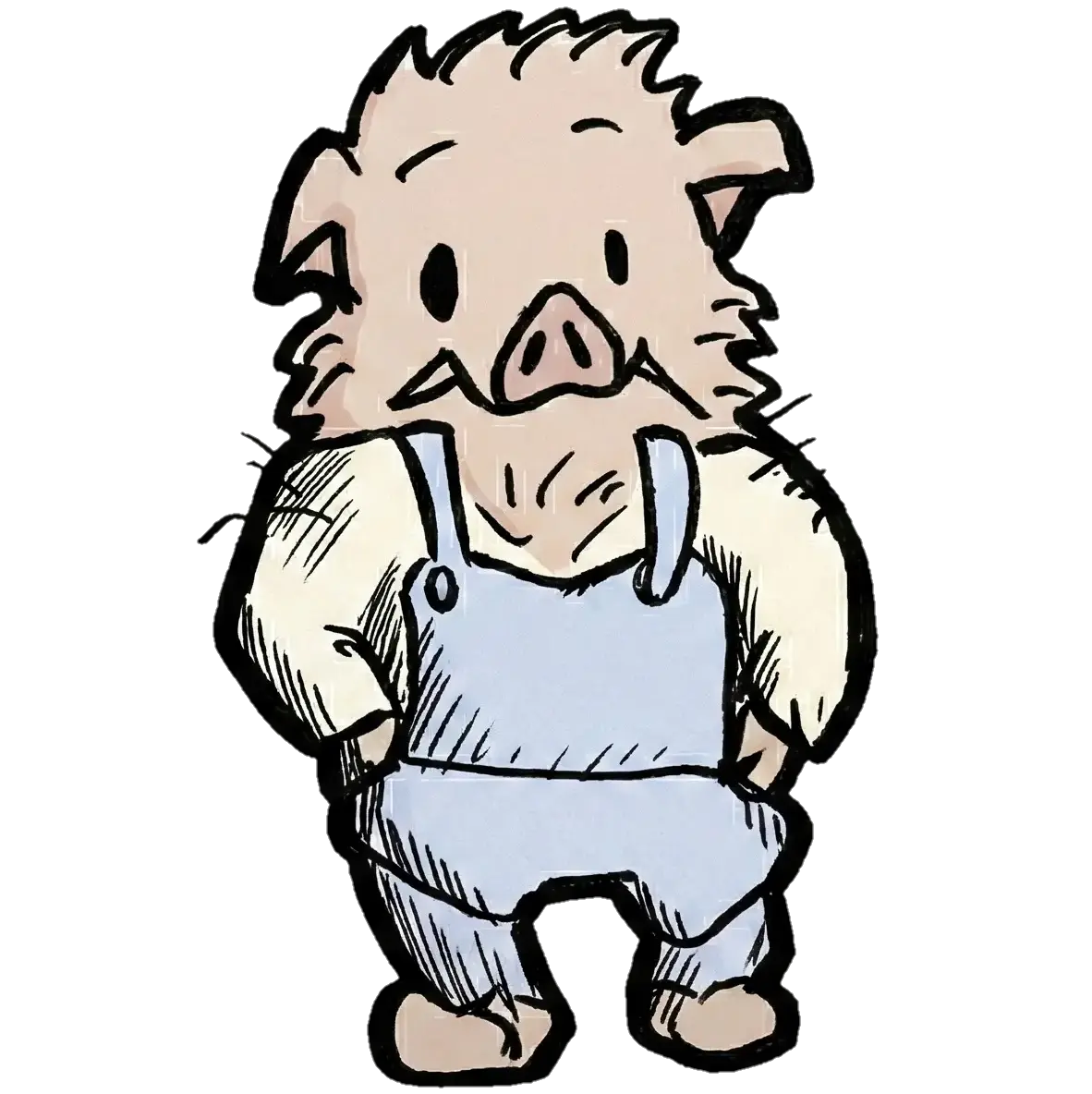
boarbarian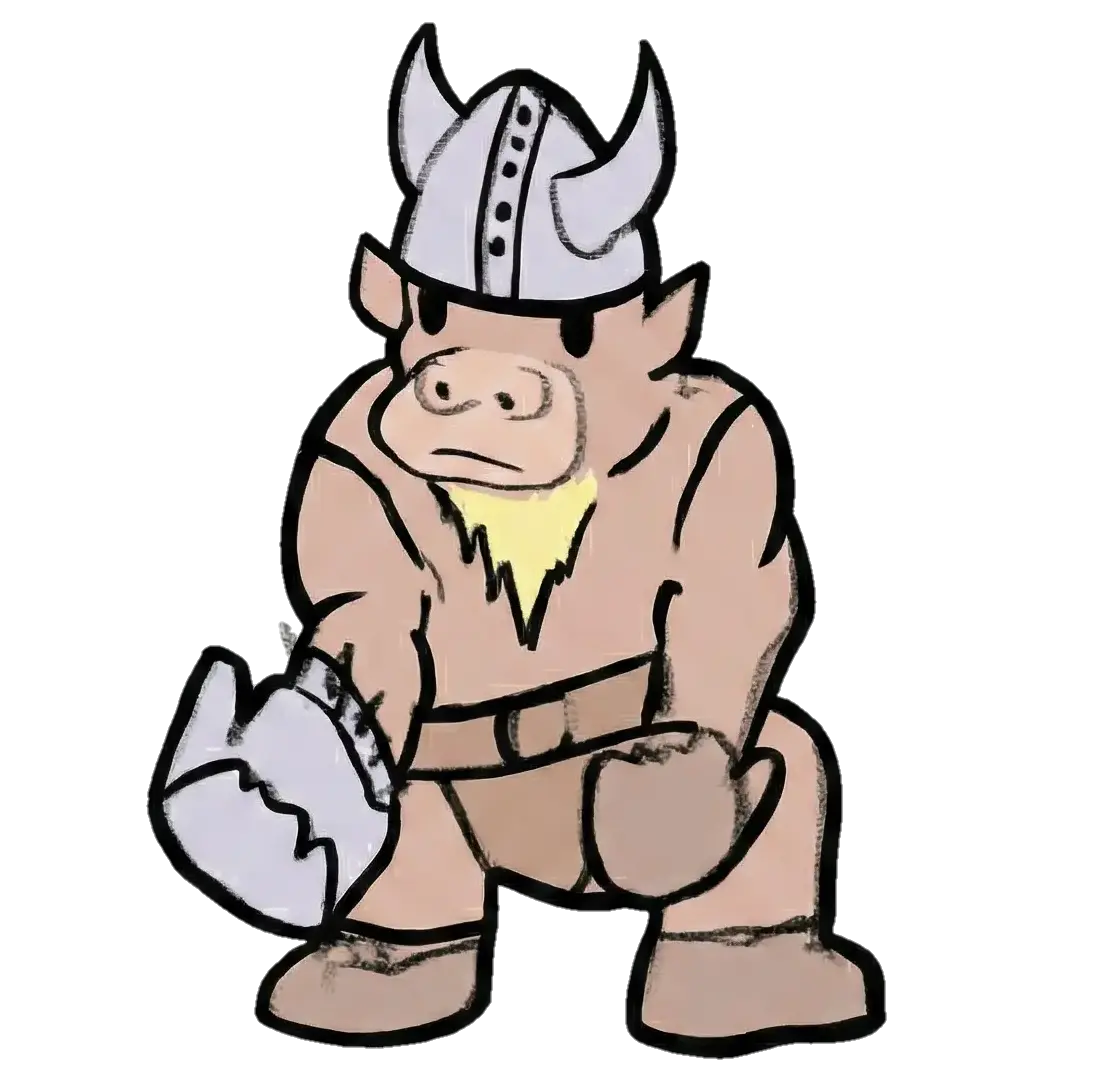
apeTank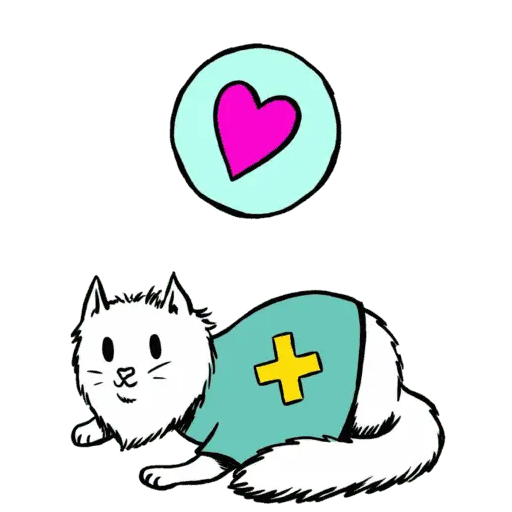
medicat🗺️ Pathfinding Architecture
The game uses BFS pathfinding with special handling for cube obstacles and cross-face navigation.
Key Functions
computeReachableTiles()
BFS flood-fill from unit position up to movement limit. Returns Map of reachable tile keys to their costs.
findPathAvoidingCubes()
Cross-face navigation wrapper. Finds optimal edge to cross and chains together per-face paths.
isBlockedForEntity()
Checks if a tile is blocked considering the entity's class abilities:
All pathfinding functions accept an allowCubes boolean. This MUST be set to entity.unitClass.canWalkOnCubes for proper Rogue behavior. Forgetting this causes Rogues to path around cubes they should climb!
🌐 Multiplayer Architecture
Multiplayer uses GunDB for real-time state synchronization between two players.
Connection Flow
Snapshot Structure
The multiplayer snapshot contains complete game state:
📁 app.js Lines 3090-3145 — exportMultiplayerSnapshot()
📁 app.js Lines 3147-3385 — applyMultiplayerSnapshot()
✨ Adding New Content
Adding a New Character
Update generateUnitKey():
In createAllUnits() textureUrls:
Adding a New Level
Add a new object to levels.json with:
cubeSize— Grid dimension (3-7 recommended)blueTeam/redTeam— Unit spawn arraysbuildingCubes— Initial cube positionsitems— Coins, books, potionsmerchant/naiMerchant— Merchant positions (optional)dialogs— Level-complete dialog lines
New levels are automatically loaded. Update maxLevel in app.js if needed.
🐛 Known Issues & Edge Cases
Rogue Pathing on Cubes
Sometimes Rogues don't path correctly onto cube tops. Ensure allowCubes = entity.unitClass.canWalkOnCubes is passed to ALL pathfinding calls.
+Y/-Y Face Transitions
The top and bottom face edge mappings in EDGE_MAP are particularly tricky. Test thoroughly when modifying.
Multi-Select Order Persistence
Orders in multiOrders Map persist until arrival. If a unit gets stuck, the order fuse (MAX_ORDER_FAILS) will eventually clear it.
Multiplayer Snapshot Timing
Snapshots are exported after committing all movement. If a unit is mid-hop during export, commitAllMovement() snaps them to destination.
🔧 Refactoring Recommendations
The codebase has grown organically and could benefit from these improvements:
Priority 1: Unify Navigation Systems
Two navigation systems (global navigation vs per-entity fields) are confusing and error-prone.
Solution: Move ALL navigation state to per-entity fields. The "controlled unit" can simply be identified by a flag, not by using a different data structure.
Priority 2: Further Module Extraction
Split the remaining 10,000+ line app.js into:
navigation.js— Pathfinding and movementcombat.js— Projectiles, damage, attackscube.js— Cube geometry, face transitionsmultiplayer.js— GunDB sync, snapshotsmerchant.js— Merchant system and dialogs
Priority 3: State Machine for Unit Behavior
Replace timer-based AI with explicit state machines:
Priority 4: Type Annotations
Add JSDoc comments for better IDE support: